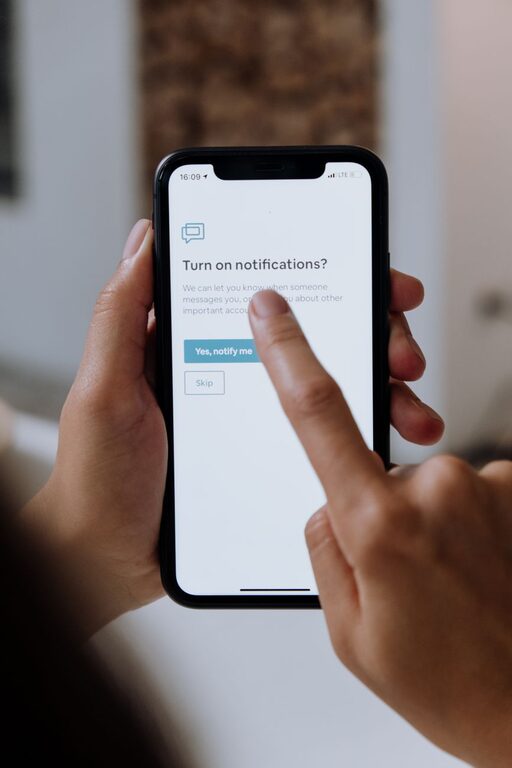
In today’s connected world, notifications can be both a blessing and a distraction. While they help keep us informed and organized, an overwhelming number of alerts may reduce productivity and increase stress. Setting clear boundaries with your notifications is a smart way to regain control over your time and attention. Below are some practical tips to help you manage notifications effectively and create a more focused daily routine.
Why Setting Boundaries with Notifications Matters
Notifications from emails, social media, messaging apps, and other sources constantly vie for our attention. This frequent interruption can:
– Break concentration and reduce work quality
– Increase feelings of anxiety and stress
– Create a tendency to multitask, which lowers efficiency
By setting healthy boundaries, you create space for deep focus, improve your mental well-being, and ensure your technology supports rather than controls your day.
Step 1: Audit Your Notifications
Start by understanding where your notifications come from and which ones are essential.
– Review all apps: Check which apps send you notifications regularly.
– Identify priorities: Decide which notifications are truly important to respond to promptly.
– Turn off non-essential alerts: Disable notifications that don’t add value or require immediate attention.
Step 2: Customize Notification Settings
Most smartphones and computers offer detailed settings to tailor notifications.
– Use “Do Not Disturb” modes: Set specific times when notifications are muted, such as during work hours or before bedtime.
– Adjust notification types: Choose to receive silent notifications or badges instead of sounds or pop-ups.
– Prioritize contacts and apps: Allow notifications from close contacts or key apps only.
Step 3: Schedule Notification-Free Periods
Creating blocks of time without interruptions can boost your productivity.
– Use time blocking: Allocate dedicated focus periods with notifications turned off.
– Inform others: Let colleagues or family know your “quiet hours” to manage expectations.
– Use app timers: Some apps can pause notifications during set intervals automatically.
Step 4: Manage Email and Messaging Alerts
Email and messaging apps are often the main source of constant notifications.
– Check emails in batches: Instead of reacting to every new message, schedule specific times for email review.
– Set filters and rules: Organize incoming messages so only important ones trigger notifications.
– Use summary features: Some apps provide daily or hourly digests to reduce interruptions.
Step 5: Leverage Technology Tools
Several tools and apps can help you control notifications more effectively.
– Focus or productivity apps: Apps like Forest, Focus@Will, or StayFocusd can limit distractions.
– Notification managers: Use apps that consolidate or delay notifications.
– Smartwatch and desktop syncing: Customize alerts so your phone or desktop doesn’t notify you simultaneously.
Step 6: Practice Mindful Notification Habits
Develop a healthy mindset around how you interact with notifications.
– Resist instant checking: Avoid reacting immediately to every alert.
– Turn off non-urgent apps: Consider uninstalling or disabling apps that aren’t necessary.
– Reflect regularly: Reassess your notification settings to ensure they align with your needs.
Additional Tips for Success
– Use vibration instead of sound alerts to be less disruptive.
– Group notifications: Some devices allow grouping notifications by app or type for easier review.
– Keep devices out of reach: When working or relaxing, put your devices away to minimize temptation.
– Create a “digital detox” day: Take occasional breaks from all non-essential notifications.
Conclusion
Setting boundaries with notifications is an essential step toward improving focus, reducing stress, and enhancing your overall digital well-being. By auditing your alerts, customizing settings, scheduling quiet times, and adopting mindful habits, you can control your technology rather than letting it control you. Give these tips a try and enjoy the benefits of a more intentional and productive daily routine.

Related Posts